
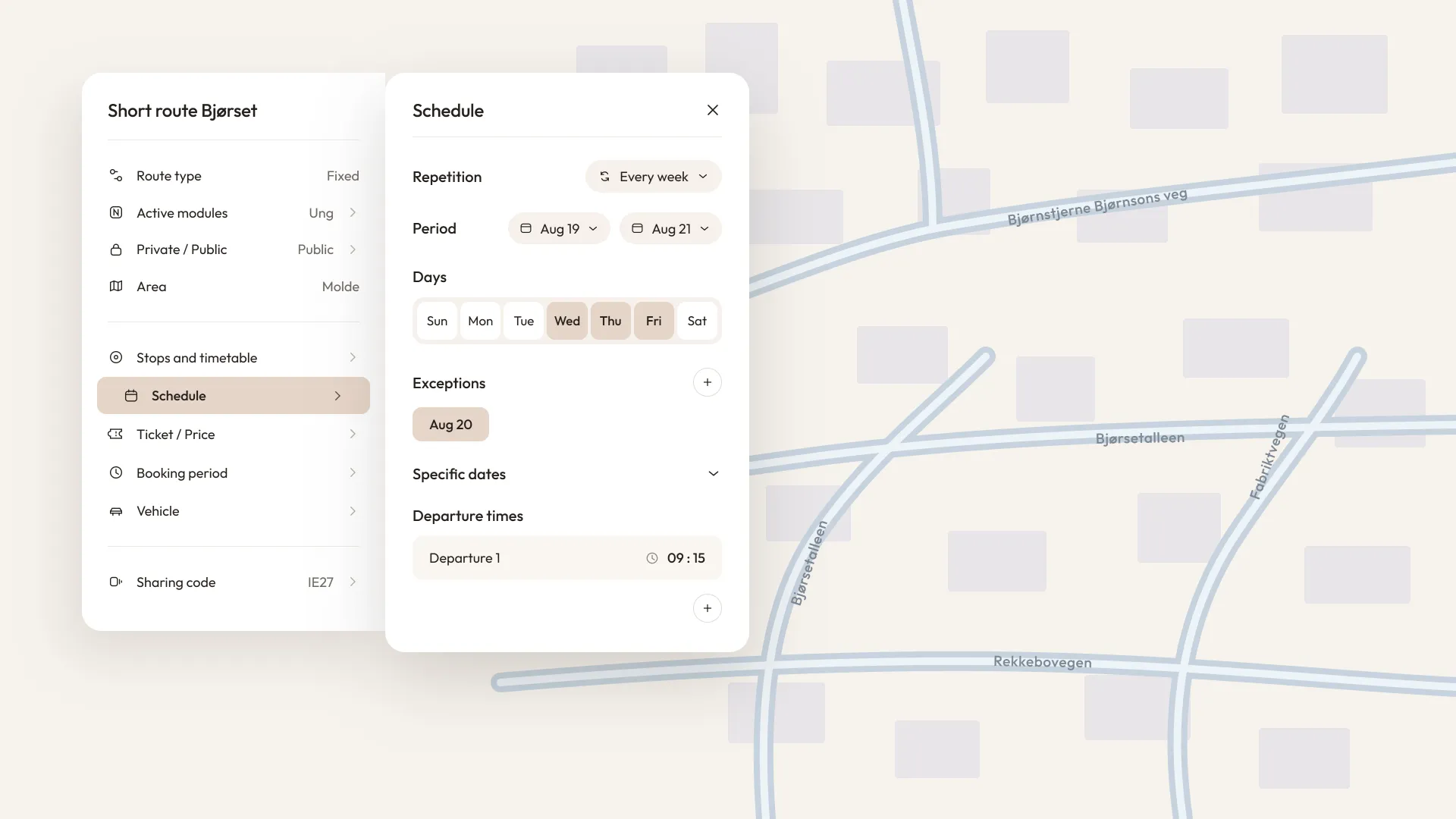
When you have a route that is scheduled to run once a week on a fixed day at a fixed time, it's quite simple to set it up. If the route is to run every other week or every third week, or perhaps just a few dates during a year, it becomes more complicated, unless you use Nimmo Planner.
The schedule setup in Nimmo Planner is exceptionally flexible. You can choose for a route to run every other week, every third week, or every fourth week. You can also choose for the route to only run on a specific date or several specific dates.
You can of course also choose which weekdays the route should run on, and you can have multiple departure times on the same day for a route.
If you, for example, have a route that is set up to run every week, you can easily add exceptions for school holidays, public holidays, etc.
In the Nimmo app, the route becomes available for booking exactly at the times and days you have set up in Nimmo Planner, so you don't have to worry about someone booking for a day the route does not run.
Contact us if you have any questions about how Nimmo Planner works!